
A chatbot may be accurate and still feel wrong for the business. It can sound too formal, too casual, too enthusiastic, or disconnected from the way the company speaks everywhere else.
Brand voice is not decoration. It shapes how visitors interpret the answer, whether they trust the assistant, and whether the conversation feels like part of the website or a third-party widget pasted on top of it.
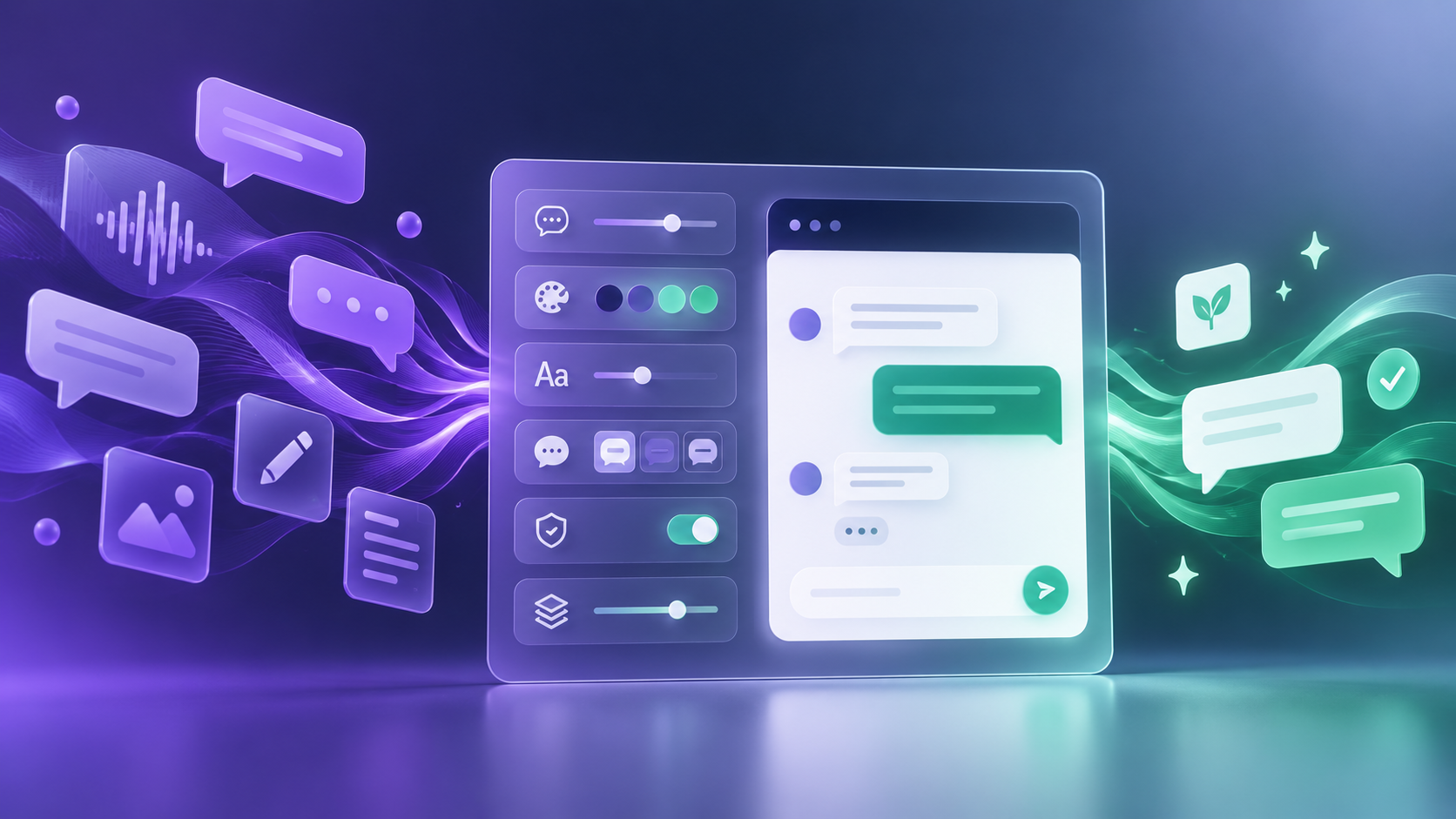
Customizing an AI chatbot involves more than choosing colors. The words, rhythm, boundaries, greeting, fallback messages, and visual presentation should all express the same brand personality.
What is an AI chatbot brand voice?
Brand voice is the consistent personality expressed through language. A professional services company might be calm, precise, and reassuring. A modern retail brand may be warm, concise, and energetic. The voice stays recognizable even when the message changes.
Tone is more situational. The same brand may sound upbeat when welcoming a visitor and more careful when handling a complaint. A useful chatbot needs a stable voice with enough tonal flexibility to suit the moment.
Seven elements to customize
1. Core personality
Choose three or four practical traits, such as clear, warm, confident, and concise. Avoid vague instructions such as 'sound premium' unless you explain what that means in actual sentences.
2. Response length
Decide whether the assistant should lead with a short answer and offer more detail, or provide a fuller explanation immediately. Match the choice to your audience and the complexity of the product.
3. Vocabulary
List preferred terms, words to avoid, product naming rules, and the way the business refers to customers. Consistent vocabulary prevents the chatbot from sounding disconnected from the rest of the website.
4. Greeting and exit messages
The opening message should set a clear expectation without becoming a sales speech. The closing message should guide the visitor toward the next useful action, whether that is another page, contact capture, or human follow-up.
5. Fallback language
When the assistant cannot answer, the message should protect trust. It should acknowledge the limit, avoid blame, and explain the next step in the same brand voice.
6. Behavioral boundaries
Define the subjects the assistant can discuss and how it should redirect unrelated questions. The goal is to remain helpful without wandering beyond approved business information.
7. Visual presentation
Match the widget's colors, fonts, placement, greeting style, and interface details to the website. The chatbot should feel like a native part of the digital experience rather than a generic add-on.
Build a simple chatbot voice guide
You do not need a lengthy brand manual to begin. A one-page working guide can give the chatbot clear direction.
- We are: clear, helpful, confident, and human.
- We are not: pushy, overly playful, technical without explanation, or vague.
- We prefer: short opening answers followed by optional detail.
- We say: the official product and service names exactly as approved.
- We avoid: unsupported claims, slang that may date quickly, and unnecessary jargon.
- When unsure: acknowledge the limit and offer the correct human route.
Use examples, not only adjectives
Instructions become stronger when they include sample language. Instead of saying 'be friendly,' show how the brand welcomes someone, answers a pricing question, corrects a misunderstanding, and handles an unsupported request.
Also include examples of what not to say. Contrast helps define the boundary. A financial or legal service may avoid casual promises. A youthful consumer brand may avoid stiff corporate phrases. The examples should reflect real visitor situations.
Test the voice with real customer questions
Create a small test set using enquiries from sales, support, and website forms. Include simple FAQs, vague questions, objections, spelling mistakes, and questions outside scope.
Review each answer for four things: accuracy, clarity, brand fit, and the quality of the next step. An answer should not receive approval merely because it sounds polished. It must still be grounded in the approved knowledge base.
Keep voice and knowledge separate
Brand voice controls how the assistant communicates. The knowledge base controls what it knows. Both need attention. A perfectly branded answer is still harmful if the information is outdated or unsupported.
When products, policies, or campaigns change, update the underlying sources. When the brand evolves, update the tone guidance and examples. Review conversation transcripts to see where the assistant sounds natural and where it drifts.
Make the chatbot feel native to your website
A consistent chatbot reduces the distance between browsing and conversation. Visitors should recognize the same visual system, product language, and level of care they experience across the rest of the site.
HeroBot allows businesses to customize widget colors, fonts, greeting messages, placement bubbles, communication tone, and behavioral boundaries. It can answer from approved website pages and documents while remaining focused on the business. Start a 30-day free beta pass and test the experience against your own brand voice guide.
Frequently asked questions
Can an AI chatbot really match a brand voice?
It can follow clear tone, vocabulary, response-length, and behavioral guidance. The results should still be tested with real questions and reviewed through conversation transcripts.
Should a chatbot use the same tone in every situation?
The core voice should remain consistent, but tone can adapt. A welcome message, product recommendation, and complaint response should not all sound identical.
What should I customize first?
Start with personality traits, response length, preferred vocabulary, greeting, fallback message, and boundaries. Then match the visual widget settings to the website.